The best label makers range from pocket-size Bluetooth printers for pantry and classroom labels to desktop machines built for shipping and small-business tasks. Choose by label width, device compatibility, and whether you need everyday organization labels, wider product tags, or 4x6 shipping labels.
Quick Top Products
Phomemo M250 Label Maker
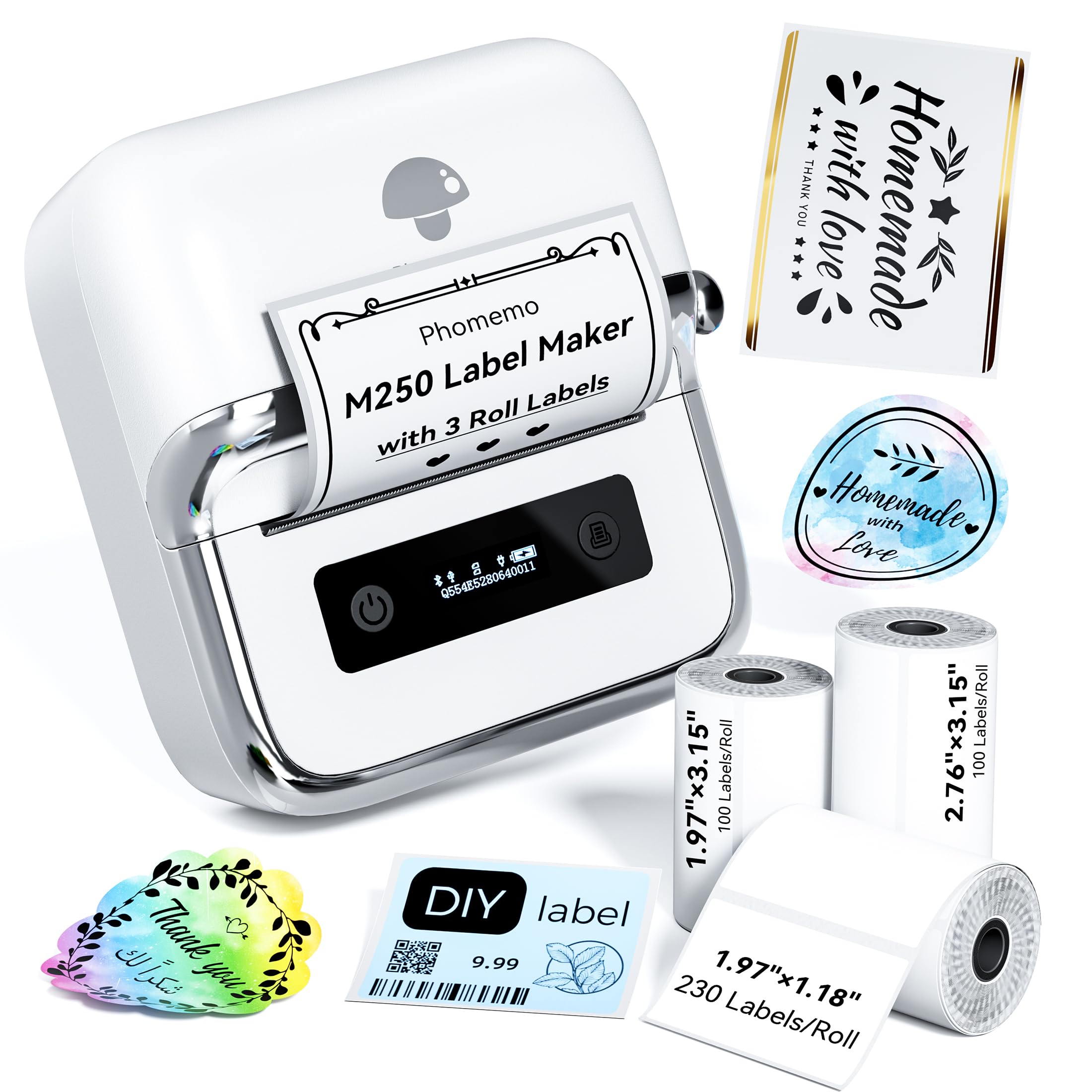
- Supports label widths from 20 to 75 mm.
- Includes three rolls in different sizes.
- Print Master offers batch printing and voice input.
Best For: Small businesses and households that want several label sizes and a broad template library.

Phomemo M221 Label Maker
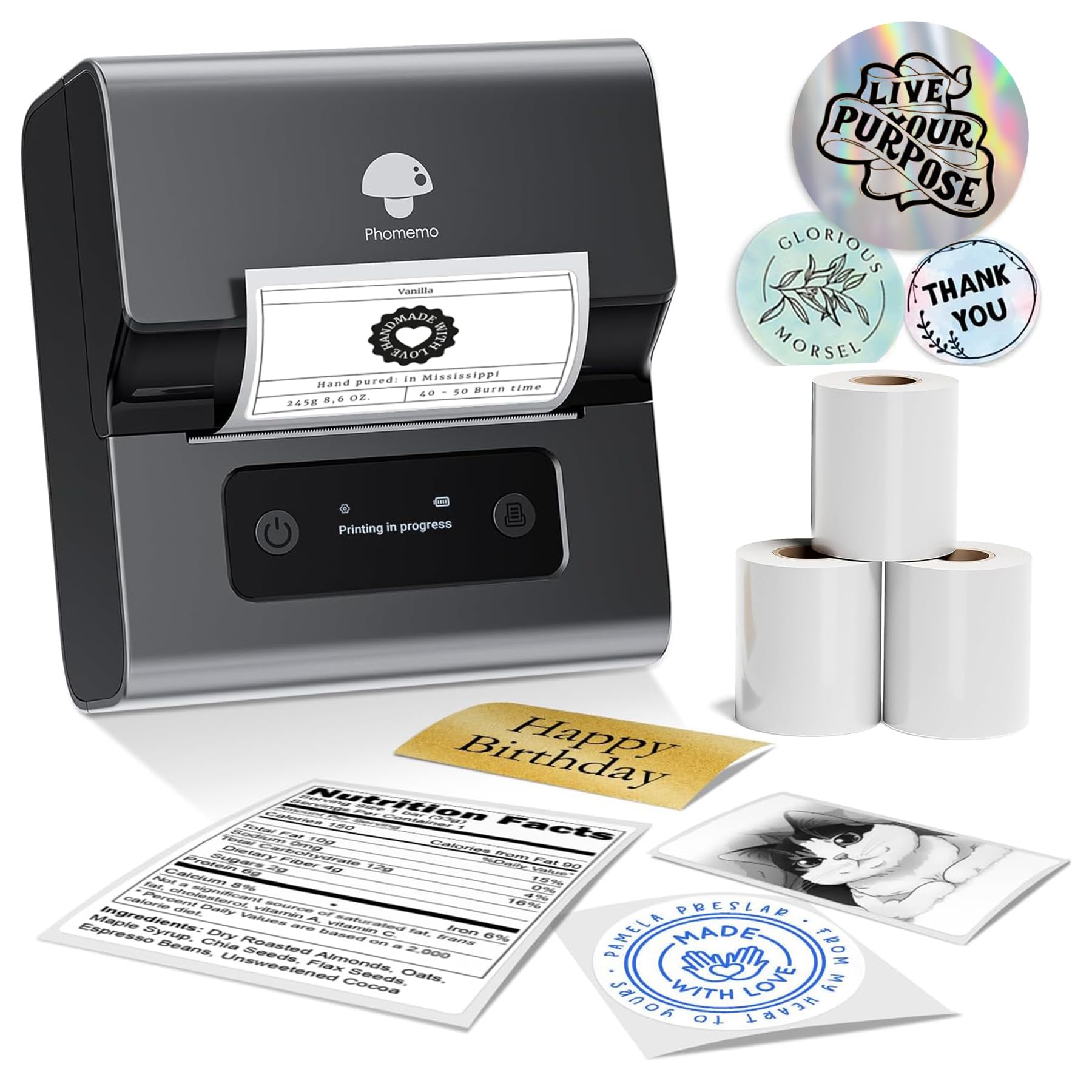
- Prints on labels from 0.78 to 3.14 inches wide.
- Works with more than 50 thermal label types.
- Tool-free roll loading and an integrated holder simplify setup.
Best For: Small businesses that print batches of labels across varied thermal media types.
NIIMBOT D101 Label Maker
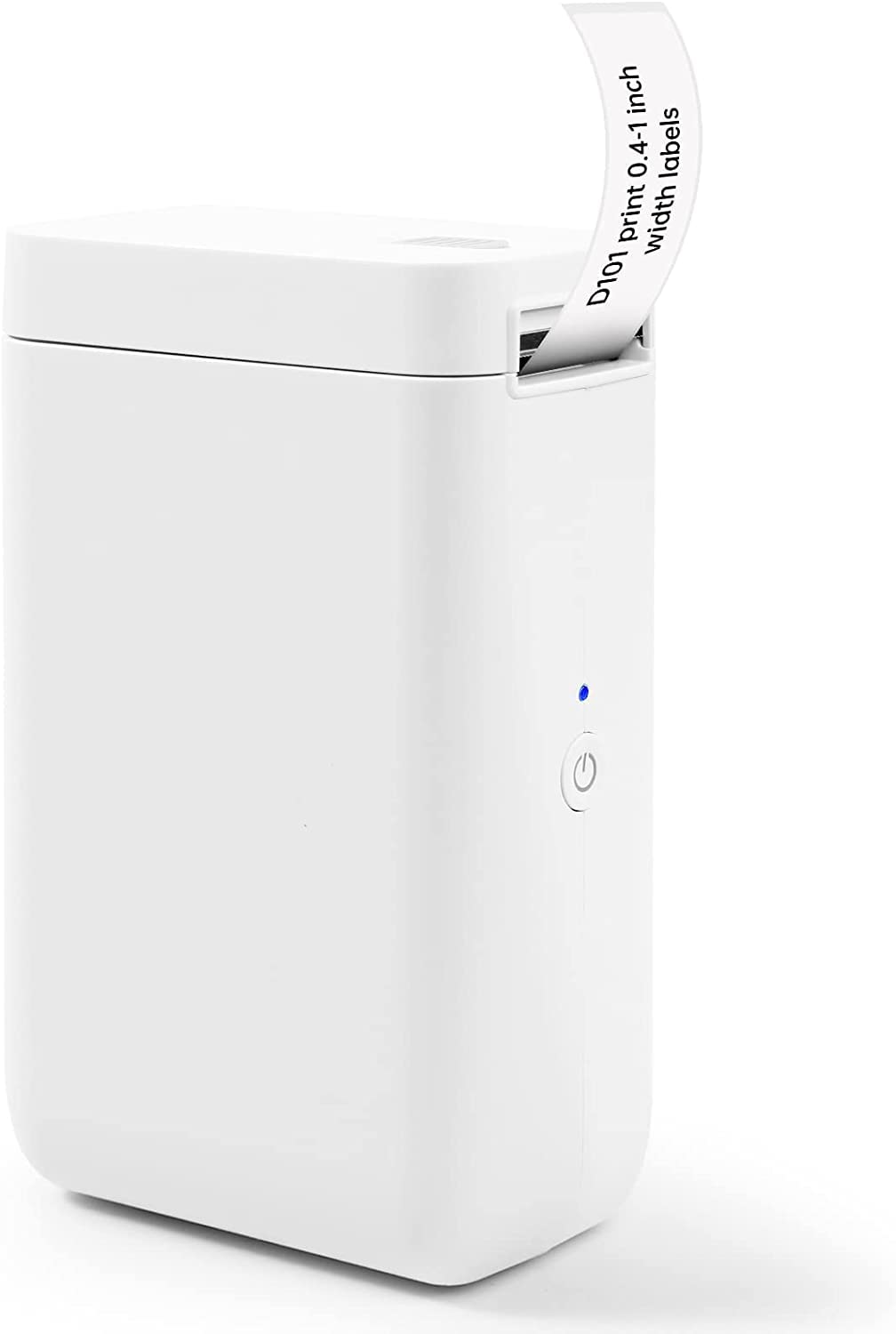
- Supports 0.5-inch and 1-inch label tapes.
- Battery is rated for two months per charge.
- Can print text, logos, barcodes, and QR codes.
Best For: Home, school, and office users who want two label widths and phone-based printing.
Phomemo D30 Label Maker
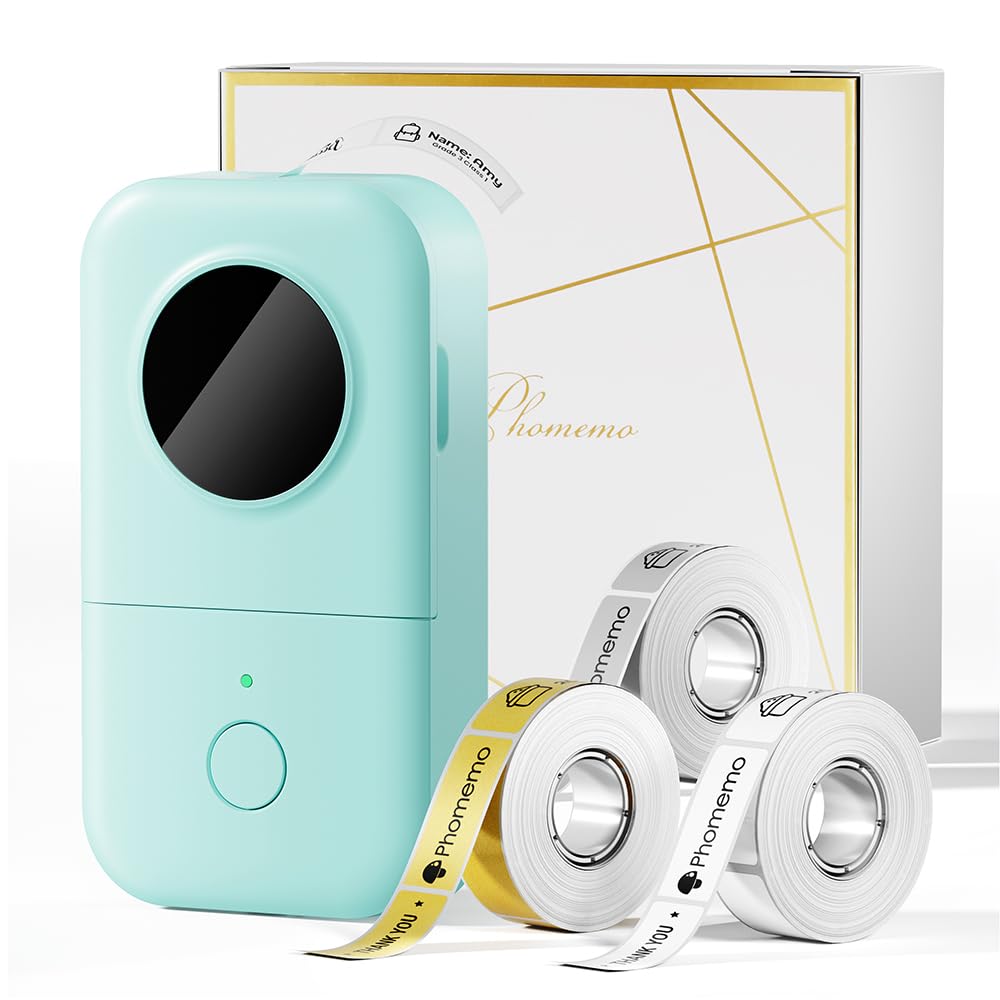
- Comes with white, gold, and clear tapes.
- Supports continuous tape and fixed-length labels.
- App templates include symbols, frames, and fonts.
Best For: Phone users who want a pocket printer with creative templates and mixed starter tapes.
Phomemo P12 Label Maker
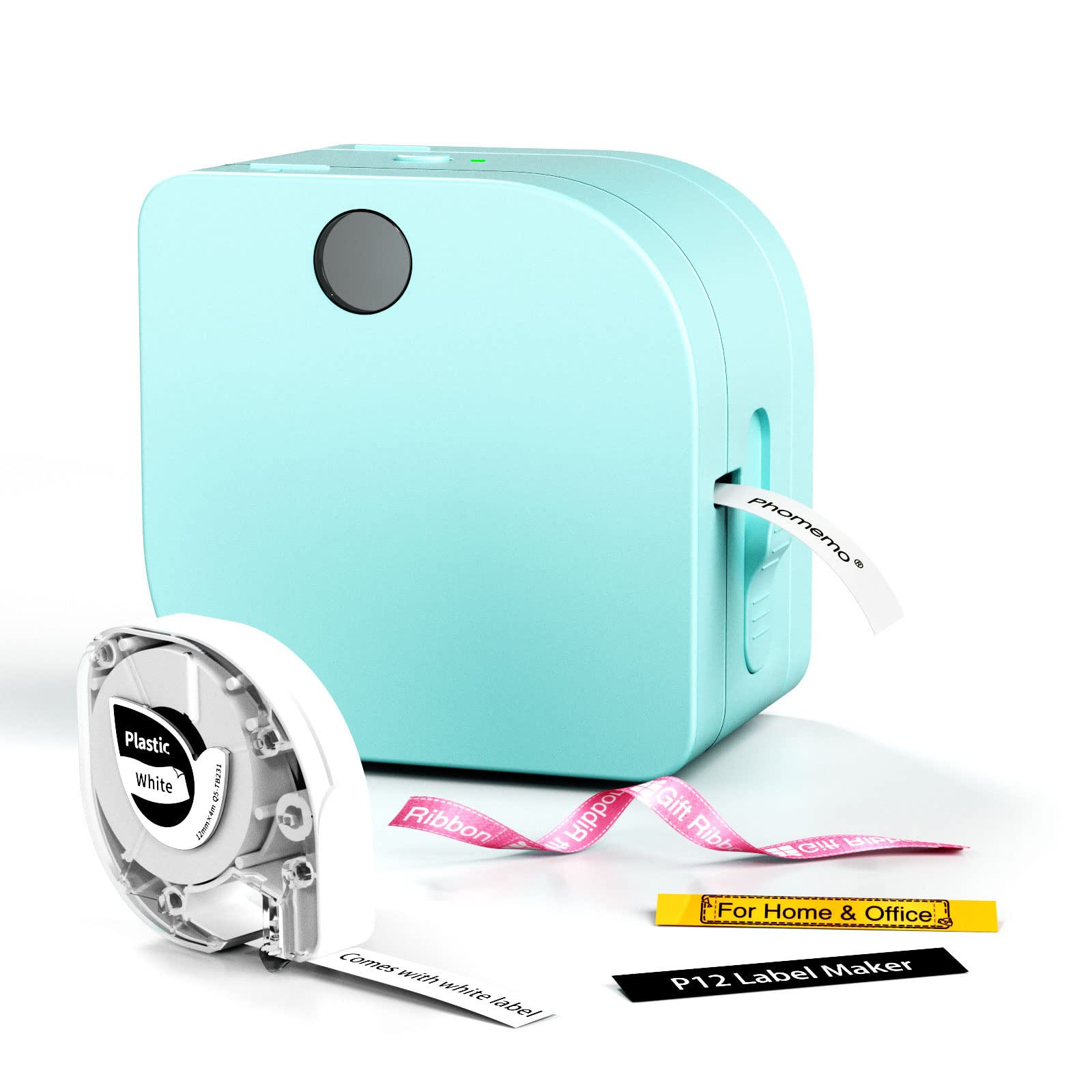
- Supports thermal labels and thermal transfer labels.
- App includes more than 90 fonts and 1000 borders.
- Can use USB-C power or six AAA batteries.
Best For: Teachers, crafters, and households that need both everyday labels and iron-on tape options.
Nelko PM220 Label Maker
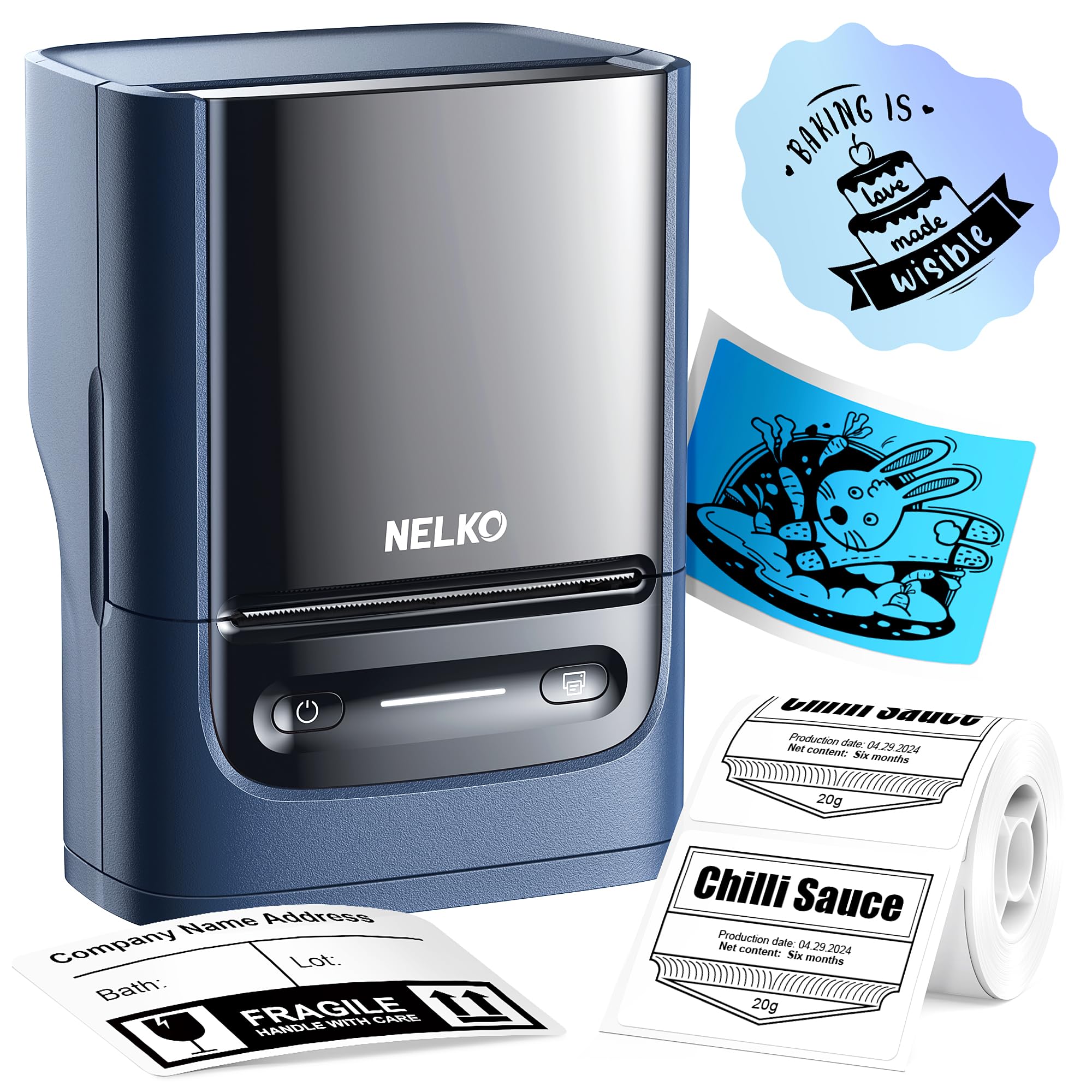
- Supports label widths from 23 to 54 mm.
- Works with smartphones and PCs.
- App supports QR codes, barcodes, tables, and icons.
Best For: Users who want a compact label maker that supports both phones and PCs.
Memoqueen M110 Label Maker
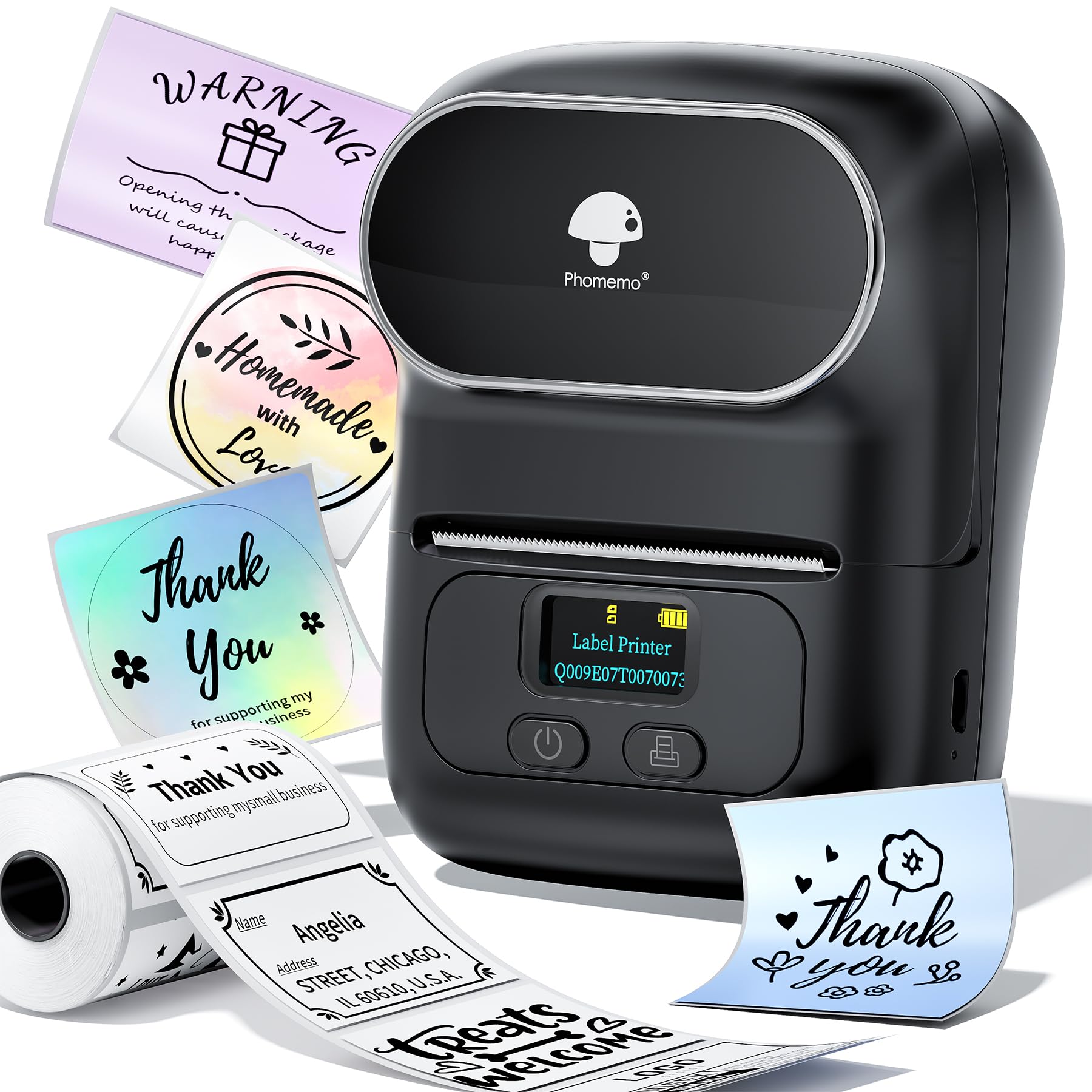
- Supports label widths from 20 to 50 mm.
- Includes one 40 by 30 mm thermal label roll.
- App supports Excel batch printing.
Best For: Small businesses that need batch printing for tags, prices, jewelry, or addresses.
Phomemo M120 Label Maker
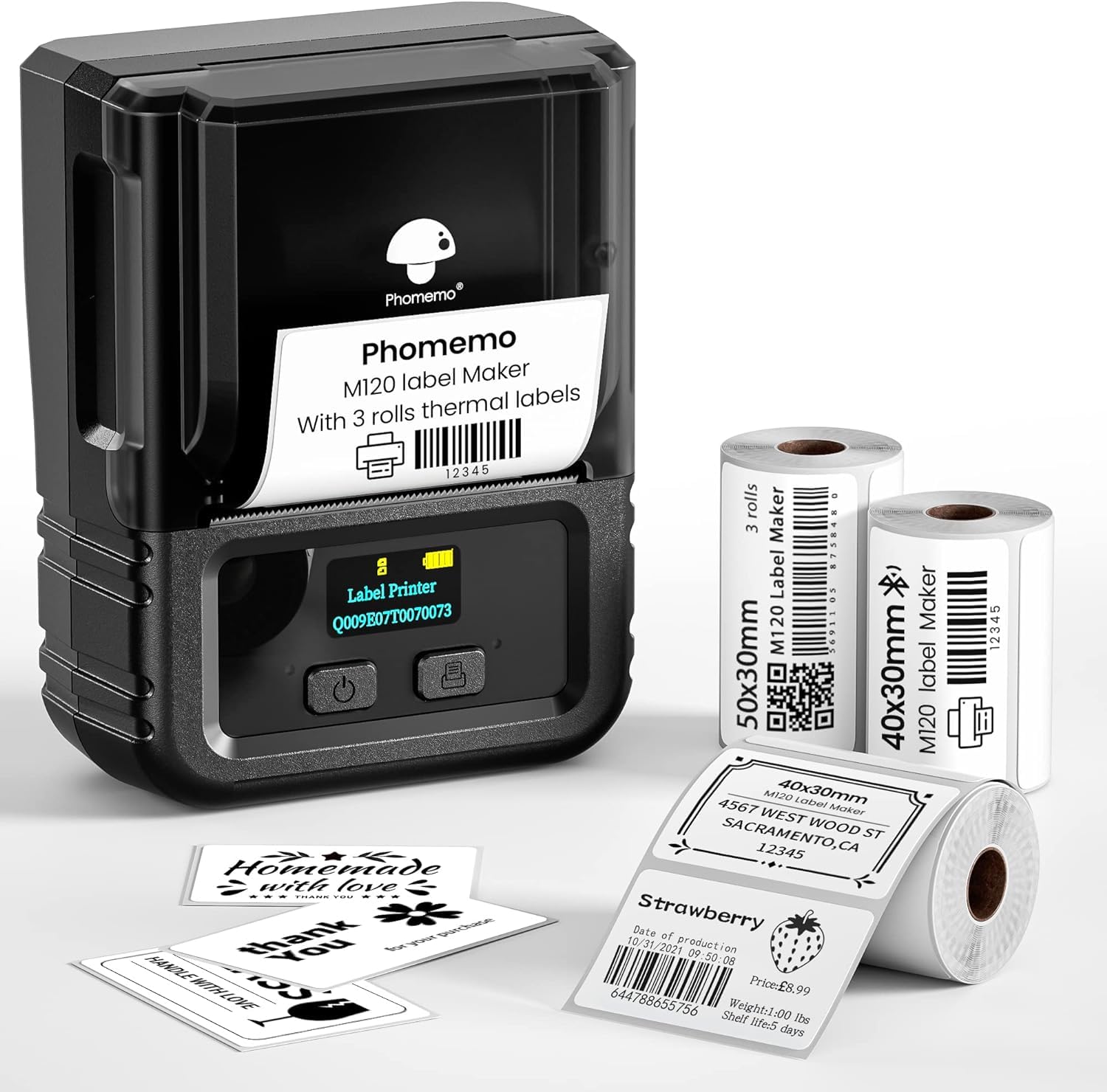
- Weighs 200 g and supports 20 to 50 mm labels.
- Includes three rolls of thermal labels.
- PCs connect by USB using Labelife software.
Best For: Mobile users who want a portable printer with phone and PC support for compact labels.
Omezizy D450BT Shipping Printer
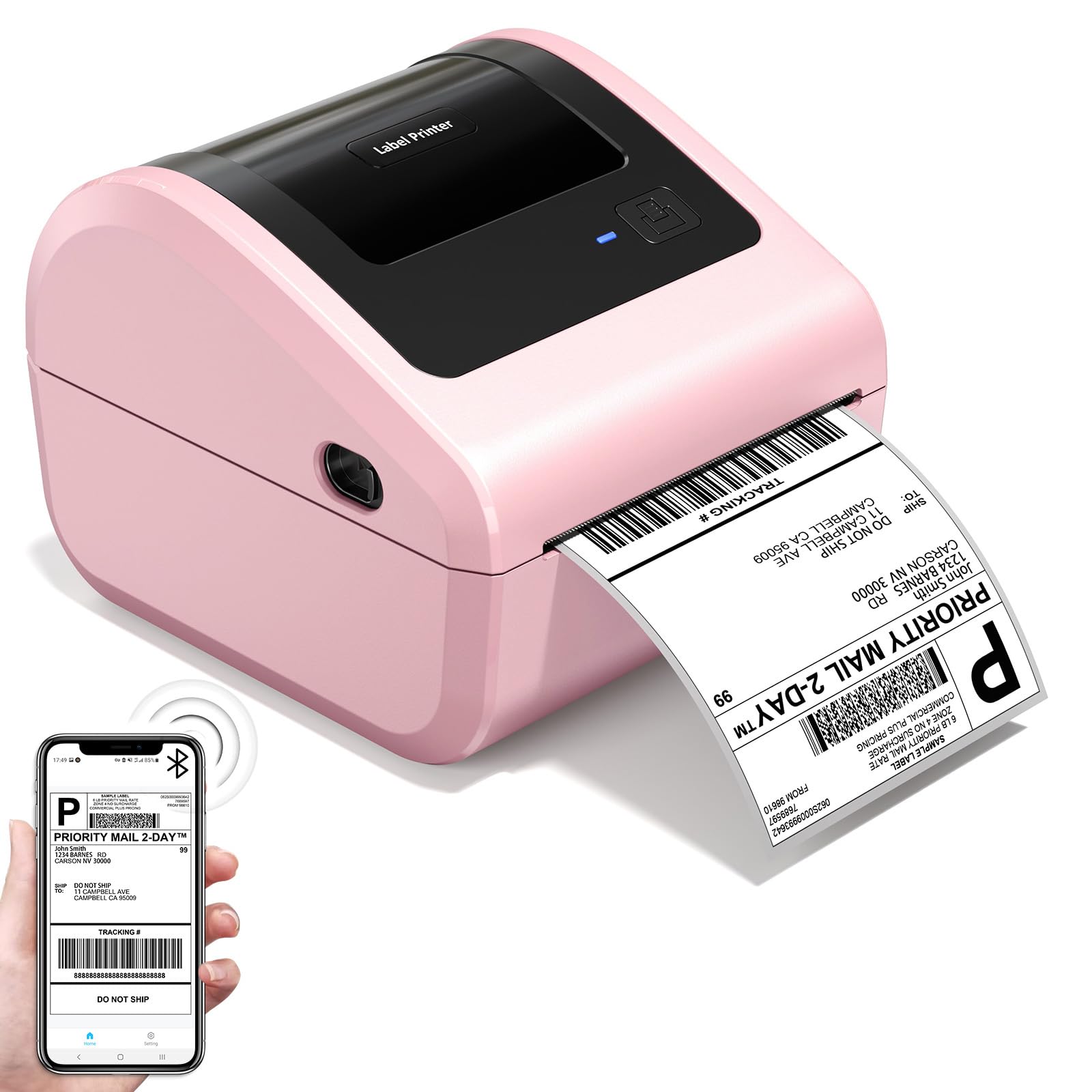
- Built-in bin holds up to 250 4x6 labels.
- Supports Bluetooth and USB connections.
- Measures 7.2 x 6.3 x 5.3 inches.
Best For: Small sellers who print 4x6 shipping labels and need a compact desktop footprint.
Phomemo D530 Pro 300 DPI Printer
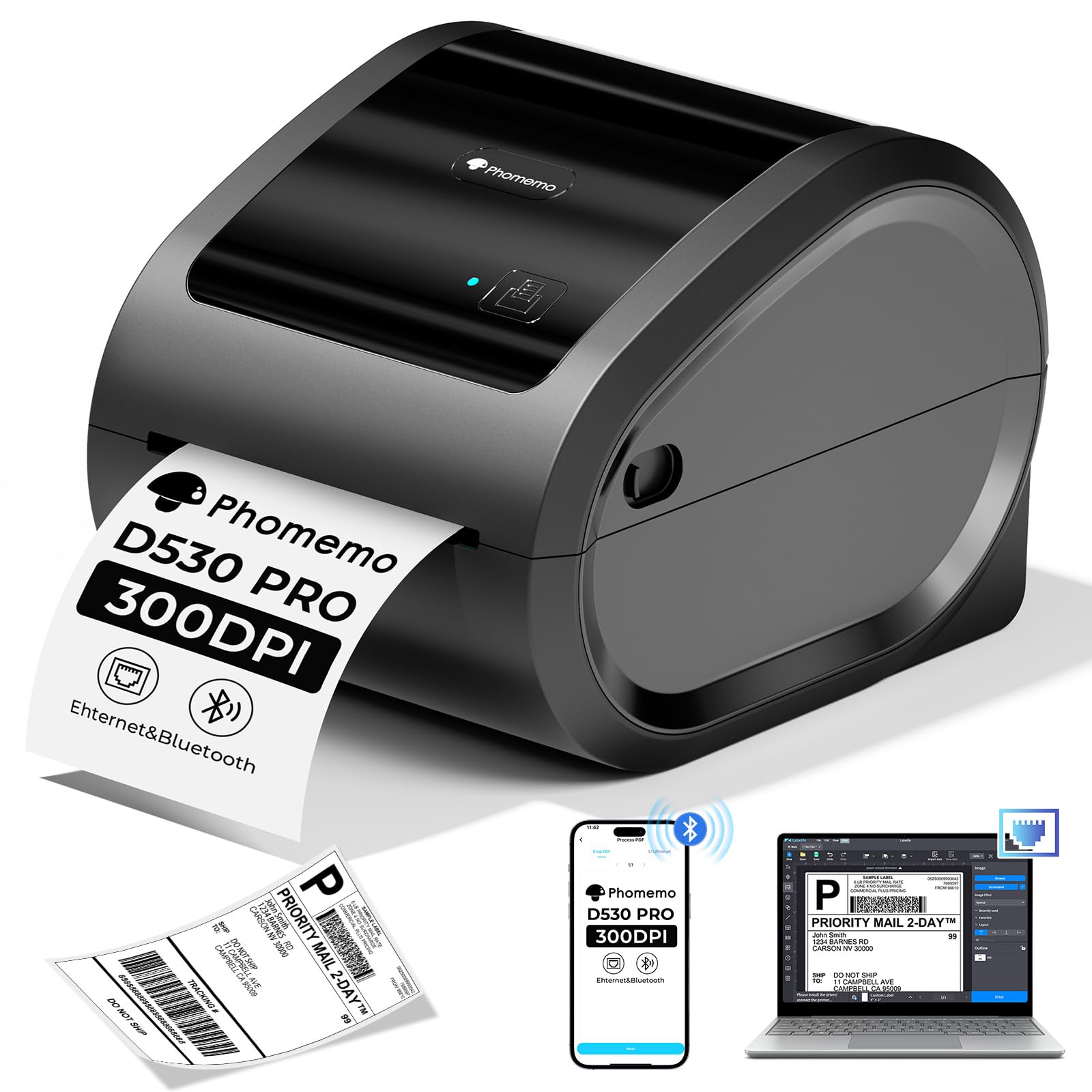
- Supports Bluetooth, Ethernet, and USB connections.
- Built-in slot holds up to 500 4x6 labels.
- Print resolution is up to 300 DPI.
Best For: Small businesses that want wired network connectivity and higher-resolution shipping labels.
Flexible Three-Inch Labeling
Phomemo M250 3 Inch Label Maker Machine with 3 Roll Labels | Bluetooth Thermal Label Printer, Upgrade Portable Barcode & Address Label Maker for Business, Home, School, Logo Label
The Phomemo M250 is a portable Bluetooth label maker for jobs that need more width than a compact name-tag printer provides. It supports labels from 20 to 75 mm and comes with three rolls in different sizes, covering uses such as barcodes, addresses, jar labels, and cable tags.
The Print Master app offers templates, fonts, symbols, QR codes, batch printing, and voice input. A 2200mAh rechargeable battery is rated for up to 5000 labels per charge, and the printer also connects by USB.
Its broad format range is useful, though the included rolls are a starting assortment rather than every label size the printer supports.
Best For: Small businesses and households that want several label sizes and a broad template library.
| Pros | Cons |
|---|---|
|
|
Choose the M250 if you expect to switch among product, address, and organization labels and want several rolls in the box. Its 20 to 75 mm range gives it more format flexibility than the narrowest portable models here, while USB adds a wired option alongside Bluetooth.
Check that the included roll shapes suit your layout, since the package details identify three sizes but do not specify continuous tape support. The app's batch printing may also suit repeat labels.
Three-Inch Roll Handling
Phomemo M221 Label Maker Machine with 3 Tapes, 3 Inch Bluetooth Thermal No Ink Label Maker for Address, Barcode, Small Business, Home for Phone/PC, Space Gray, with 430 Pieces Labels | Bluetooth Thermal No Ink Label Maker for Address, Barcode, Small Business, Home for Phone/PC, Space Gray, with 430 Labels
The Phomemo M221 is a three-inch Bluetooth label printer for people who need to move beyond small fixed-format labels. It accepts widths from 0.78 to 3.14 inches and works with more than 50 thermal label types.
The app supports custom designs, while the internal label holder and tool-free loading are intended to keep roll changes simple. The product also highlights label recognition and consecutive printing for batch work.
It connects by Bluetooth to phones, tablets, or PCs. Before choosing it for a particular workflow, check the exact label type and computer connection method you plan to use, since the supplied details do not identify a wired interface or OS list.
Best For: Small businesses that print batches of labels across varied thermal media types.
| Pros | Cons |
|---|---|
|
|
The M221 fits buyers whose label needs vary by task and who value roll handling as much as portability. Its 3.14-inch maximum is suited to wider product or barcode labels, and the integrated holder avoids a separate roll stand.
The product supports wireless connections to a smartphone, tablet, or PC via Bluetooth. It is a poor assumption for mailing labels; check the supported media before buying for shipping.
Two Widths in One Pocket Printer
NIIMBOT Label Maker Machine D101 Label Printer Portable Wireless Connection Multiple Templates Available for Phone Easy to Use Office Home Organization USB Rechargeable
The NIIMBOT D101 combines a compact, phone-connected design with support for both 0.5-inch and 1-inch label tapes. That makes it a practical choice for organizing supplies, marking jars, creating school name labels, or preparing simple office identifiers.
Its thermal print system uses no ink or toner, and the rechargeable battery is rated for two months per charge. The printer handles text, symbols, logos, barcodes, QR codes, and recognition of voices and pictures.
Its two-width support is a distinguishing feature, but the supplied notes do not list computer compatibility or specific app template counts, so check those details if they matter to your setup.
Best For: Home, school, and office users who want two label widths and phone-based printing.
| Pros | Cons |
|---|---|
|
|
Choose the D101 for basic household, school, or office labeling when two tape widths cover your needs. Its compact phone-centered workflow and rechargeable battery suit occasional labels without a desktop printer footprint.
The width range is more limited than the three-inch models, so it is not the best fit for wide retail tags or shipping labels. Check the included tape configuration before ordering, and confirm phone app compatibility if you use a particular device.
Templates and Three Starter Tapes
Phomemo Label Maker Machine with Tapes - White/Clear/Gold Labels, D30 Portable Handheld Bluetooth Mini Label Makers, Multiple Templates Fonts Icon, Thermal Small Label Printer Rechargeable for Home
The Phomemo D30 is a mini Bluetooth label maker supplied with white, gold, and clear tapes. It prints black text through direct thermal technology, so color effects come from choosing patterned tape rather than printing colored ink.
Its app offers templates, fonts, symbols, frames, and tools for barcodes, QR codes, images, and Excel import. It supports both continuous tape and fixed-length labels, which gives it more layout flexibility than printers restricted to preset label lengths.
This compact printer suits home storage, school identifiers, or small price tags. Check tape dimensions and styles before buying, since the supplied details do not specify the included roll widths.
Best For: Phone users who want a pocket printer with creative templates and mixed starter tapes.
| Pros | Cons |
|---|---|
|
|
The D30 is a good match for phone-first users who want more design options and tape variety for home or classroom organization. Continuous tape support is useful when label lengths vary, while fixed-length labels suit repeat tasks.
Its output remains black text, so the gold and clear finishes change the label material rather than add color printing. Confirm the tape width and refill availability for the label size you plan to make.
Iron-On and Thermal Transfer Options
Phomemo Label Maker Machine with Tape, P12 Bluetooth Small Label Maker with Multiple Templates Thermal Transfer Ribbon Printer Machine for Home, School, Teacher, Classroom
The Phomemo P12 stands out for supporting thermal labels as well as thermal transfer labels. That gives it potential use for ordinary kitchen and storage labels alongside iron-on clothing labels or other specialty tape projects.
The app connects through Bluetooth with iOS and Android phones and includes fonts, borders, symbols, and language options. It also supports Excel import, barcode creation, scanning, OCR, and voice recognition.
Power comes from an included USB-C cable or six AAA batteries, which are not included. The dual tape approach broadens its uses, but buyers should check the exact compatible tape types and whether their project needs the longer-wearing transfer material.
Best For: Teachers, crafters, and households that need both everyday labels and iron-on tape options.
| Pros | Cons |
|---|---|
|
|
Choose the P12 when clothing labels, craft decoration, or specialty tapes matter alongside routine household labeling. Its thermal transfer support sets it apart from pocket printers focused on standard thermal paper, and the cutter is useful for quick label work.
It uses a phone app, so it does not replace a standalone keyboard labeler. Check which tapes are compatible with the specific use, and decide whether USB-C power or separately purchased AAA batteries suit your workspace.
Phone and PC Labeling up to Two Inches
Nelko Label Maker Machine with Tape, PM220 Bluetooth Label Printer, 2 Inch Portable Thermal Printer for Small Business, Address, Logo, Clothing, Sticker Printer for Phones & PC, Blue
The Nelko PM220 is a portable Bluetooth label maker for users who want to design labels on a phone or PC. It supports 23 to 54 mm media and provides templates, fonts, languages, and materials in the app, along with QR codes, barcodes, tables, and icons.
The printer uses direct thermal technology, so ink and toner are unnecessary. A label tape is included, and the paper slot can be adjusted to fit the tape before calibration.
It is intended for small-business tags, address and product labels, crafts, and home organization. The charging adapter is not included, and the computer setup requires obtaining the driver and app separately.
Best For: Users who want a compact label maker that supports both phones and PCs.
| Pros | Cons |
|---|---|
|
|
The PM220 suits users who want a portable label printer without being limited to phone-only creation. Its PC support and app design tools help with product, address, and barcode labels, while the 54 mm maximum width keeps it in the compact label category.
It is not a shipping-label machine for full-size package labels. Plan to install the PC driver and app, and note the charging adapter is not supplied.
Check whether your intended label roll fits the adjustable slot.
Excel Batch Printing for Small Labels
Memoqueen M110 Label Maker - M110 Barcode Label Printer Portable Bluetooth Maker Machine with Tape for Name Labels, Small Business, Address, Logo, Clothing Price Tag, Mailing, with 40x30mm Label
The Memoqueen M110 is a compact Bluetooth label maker aimed at small business and personal label tasks. It supports 20 to 50 mm widths and comes with one 40 by 30 mm thermal roll.
The Print Master app offers templates and custom layouts, including Excel batch printing and OCR that converts image text into editable text. It can make address, barcode, clothing, price, jewelry, and folder labels, but it is explicitly not intended for shipping labels.
Its label materials include colored, clear, round, and rectangular options. Buyers should verify that the specific refill style they need is available for this model and remember its maximum width is narrower than desktop shipping printers.
Best For: Small businesses that need batch printing for tags, prices, jewelry, or addresses.
| Pros | Cons |
|---|---|
|
|
The Memoqueen M110 is a useful fit for small runs of retail, jewelry, clothing, or address labels, particularly if Excel batch printing saves manual entry. The 20 to 50 mm width range is appropriate for compact tags and product identification.
It does not handle shipping labels, so choose a dedicated shipping label printer for package workflows. The package includes one 40 by 30 mm roll; check refill formats and app requirements before relying on it for a specific labeling system.
Portable Labeling with Three Starter Rolls
Phomemo M120 Label Maker, 2 Inch Bluetooth Thermal Label Printer with Label | (4030/4030/5030mm), Label Maker Machine for Small Business, Barcode, Address, Sticker Printer for Phone & PC
The Phomemo M120 is a 200 g Bluetooth thermal label maker that supports 20 to 50 mm media. Its package includes three rolls, and the adjustable slot and sizing guide are intended to simplify calibration when changing formats.
The Print Master app includes templates, symbols, fonts, voice input, and image recognition for turning text in photos into editable text. Mobile devices connect through Bluetooth, while PCs use USB and Labelife software.
The M120 is suited to pantry, address, barcode, and small-business labels rather than full-size shipping labels. Check the label shapes and sizes included, and confirm the PC software works with your operating system before purchase.
Best For: Mobile users who want a portable printer with phone and PC support for compact labels.
| Pros | Cons |
|---|---|
|
|
Choose the M120 if you want a light portable printer with labels for both mobile and computer workflows. Its included rolls cover two compact widths, and the adjustable guide helps when switching media.
It is a better fit for product identifiers, pantry tags, and address labels than large shipping formats. The supplied facts give a 3,000-label charge estimate, but do not state the conditions, so treat it as a guide rather than a guaranteed workload.
Verify software support for your PC.
Space-Saving Shipping Labels
Bluetooth Thermal Label Printer with Built-in Label Compartment | D450BT 4x6 Pink Shipping Label Printer for Small Business, Shipping Packages, Office, Home, Compatible with USPS, Tiktok
The Omezizy D450BT is a desktop thermal printer for package and business labels, with Bluetooth and USB connections. Its built-in label bin accommodates an internal roll of up to 250 4x6 labels, and folded paper can also feed from the rear.
It supports label widths from 1 to 4.6 inches and works with major shipping and sales platforms named in the product details. Direct thermal printing avoids ink and toner, while automatic positioning is intended to reduce wasted labels.
At 7.2 by 6.3 by 5.3 inches, it has a compact stated footprint. Check the computer or phone app workflow and the exact label stock before purchase.
Best For: Small sellers who print 4x6 shipping labels and need a compact desktop footprint.
| Pros | Cons |
|---|---|
|
|
This D450BT suits a small seller who wants a dedicated shipping printer but has limited desk space. Its internal bin and rear feed accommodate roll or folded labels, and Bluetooth plus USB give options for a phone or computer setup.
It is much wider media equipment than a pocket organizer, so it is excessive for pantry tags or school labels. Check whether your shipping service exports a file that works with the intended app, and confirm the roll format fits the built-in holder.
Ethernet and Built-In Paper Storage
Phomemo 300DPI Ethernet Thermal Label Printer 4x6 with Built-in Paper Bin
The Phomemo D530Pro is a desktop thermal printer for shipping, barcode, bakery, product, and warehouse labels. Its connection options include Bluetooth, Ethernet, and USB, with compatibility described for phones and several computer systems.
The built-in paper slot holds up to 500 4x6 labels, which keeps a roll inside the printer rather than on a separate holder. It prints at up to 300 DPI and supports label widths from 1 to 4.6 inches.
For sellers who need a shared or wired setup, Ethernet is a notable option. Before choosing it, check that your label platform and operating system work with the app and connection you plan to use.
Best For: Small businesses that want wired network connectivity and higher-resolution shipping labels.
| Pros | Cons |
|---|---|
|
|
The D530Pro makes sense for small businesses that want more connection choices and a built-in roll compartment. Ethernet can suit a fixed workstation, while Bluetooth is useful for mobile printing; the 300 DPI specification may appeal for detailed barcode layouts.
It is a larger desktop shipping machine rather than a pocket labeler for occasional household tags. Confirm that the operating system and shipping platform you use are supported through the chosen connection, and check whether labels are included in the package.
How to Choose Label Makers
How We Picked Best Label Makers
We selected products for distinct label-making jobs: compact home and school tags, creative and specialty tapes, small-business product labels, and desktop shipping workflows. The key distinctions are media width, phone or computer support, tape type, and what comes in the box.
A pocket Bluetooth model is easier to move between rooms, while a desktop shipping printer is designed around larger package labels and a fixed work area.
Some candidates were close variants or bundles of the same manufacturer model, so we included one representative offer where a duplicate would not add a new buying choice. We also separated general label makers from 4x6 shipping printers.
That distinction matters: a pocket label printer may support barcodes and addresses but still cannot print a full shipping label. For the same reason, a printer's advertised platform support does not replace checking that the label format your service produces is compatible.
Comparing Best Label Makers by Label Size and Workflow
Compact options such as the NIIMBOT D101, Phomemo D30, Memoqueen M110, Nelko PM220, and Phomemo M120 are aimed at household, classroom, retail, and craft labels. They differ in the details: D101 supports 0.5-inch and 1-inch tapes, D30 handles continuous or fixed-length tape, while the M120 includes multiple rolls and supports USB PC printing.
The P12 adds thermal transfer options for projects such as iron-on labels.
Three-inch models bridge the gap between pocket organizers and shipping machines. The M250 supports 20 to 75 mm media, while the M221 supports up to 3.14-inch widths and more than 50 thermal label types.
If labels vary by product or task, compare the supported media and roll loading details before choosing. Wide ranges are useful only when refills in the needed format are available.
Shipping-label printers are a separate choice for online sellers. The Omezizy D450BT and Phomemo D530Pro support widths up to 4.6 inches, with roll storage built into the printer; the Phomemo also includes Ethernet among its connection options.
Check whether you need a printer that connects by USB, Bluetooth, or network cable, and whether your platform's label file works with its software.
| Product | Standout features | Best for |
|---|---|---|
| Phomemo M250 Label MakerCheck Price |
| Small businesses and households that want several label sizes and a broad template library. |
| Phomemo M221 Label MakerCheck Price |
| Small businesses that print batches of labels across varied thermal media types. |
| NIIMBOT D101 Label MakerCheck Price |
| Home, school, and office users who want two label widths and phone-based printing. |
| Phomemo D30 Label MakerCheck Price |
| Phone users who want a pocket printer with creative templates and mixed starter tapes. |
| Phomemo P12 Label MakerCheck Price |
| Teachers, crafters, and households that need both everyday labels and iron-on tape options. |
| Nelko PM220 Label MakerCheck Price |
| Users who want a compact label maker that supports both phones and PCs. |
| Memoqueen M110 Label MakerCheck Price |
| Small businesses that need batch printing for tags, prices, jewelry, or addresses. |
| Phomemo M120 Label MakerCheck Price |
| Mobile users who want a portable printer with phone and PC support for compact labels. |
| Omezizy D450BT Shipping PrinterCheck Price |
| Small sellers who print 4x6 shipping labels and need a compact desktop footprint. |
| Phomemo D530 Pro 300 DPI PrinterCheck Price |
| Small businesses that want wired network connectivity and higher-resolution shipping labels. |
Check App, Device, and Refill Compatibility
Many portable label makers rely on a companion phone app. Check the supported phone systems and whether a computer connection is actually available; Bluetooth phone printing does not guarantee PC support.
The Nelko PM220 supports PC use with a separate driver and app, while the NIIMBOT D101's supplied details emphasize phone pairing. For batch work, look for features such as Excel import in the D101, Memoqueen M110, or Phomemo M120.
Refills determine which labels you can make. A D30 can use continuous tape and fixed lengths, whereas the P12 supports thermal transfer media alongside ordinary thermal labels.
Other models may have specific width ranges or require rolls to be calibrated in the app. Check the label material, width, shape, and adhesive for the intended surface.
Black-only thermal printing can still create a colored appearance when paired with colored or patterned stock, but it does not print colored text.
Choosing a Label Maker for Shipping and Small Business
If you mainly print product, jewelry, clothing, or address tags, a compact model with barcode support may be enough. For postage and parcel labels, choose a dedicated desktop shipping printer that supports the needed width and the software workflow used by your carrier or marketplace.
Models such as the D450BT have an internal label bin and rear feed option, while the D530Pro adds Ethernet and a 500-label bin capacity.
Think through daily volume and where the printer will sit. A portable battery-powered unit can move around a classroom or home, while desktop models need a stable workspace and label stock on hand.
Included rolls or tapes reduce first-purchase friction, but check their sizes and quantities against your actual workflow. For frequent repeat labels, app template libraries, batch printing, and automatic label positioning can matter as much as headline print speed.
Who Should Buy Which Label Maker?
For pantry, school, and home organization, choose a compact phone-connected printer such as the D30 or D101 based on tape flexibility and supported widths. The P12 is the more specialized pick for craft and clothing-label projects that can use thermal transfer media.
For repeated product and retail tags, compare the Memoqueen M110's Excel batch printing with the wider media range of the M250 and M221.
Online sellers printing parcel labels should look to desktop options such as the D450BT or D530Pro. Choose around paper storage, connection type, and operating-system support, then verify the label dimensions and app steps for your shipping service.
If you need a label maker to work from both a phone and computer, confirm the specific wired or wireless setup before buying.