This JLab Go Work review looks at a work-focused on-ear headset built around flexible device connections, call controls, and long playback between charges.
Go Work Review Summary
The quick verdict

10,000+ ratings
Read Amazon ReviewsJLab Go Work
A work-focused on-ear headset for buyers who want multipoint connections, a rotating boom mic, and wired listening in one package.
- Bluetooth multipoint connects up to two devices simultaneously.
- Wired listening is available with the included USB-C to 3.5mm AUX cable.
- Get a full 45+-hour work week on one charge.
- Dual microphones are part of the C3 Calling setup.

Pros
- Can connect to two devices at once over Bluetooth.
- Includes a wired cable for a direct listening connection.
Consider before buying
- The two EQ choices are limited to Work and Music modes, so buyers who want several tuning presets may find the controls basic.
- For frequent outdoor calls, check microphone performance in windy conditions before buying.
Read the full review summary
Go Work suits people who move between a computer and phone during the day.
Bluetooth multipoint connects two devices at once, while the included USB-C to 3.5mm cable provides a wired listening option when you prefer a physical connection.
Dual microphones help keep calls clear, and the boom mic rotates out of the way for listening. On-headset controls handle mute and playback, with Work and Music EQ modes for calls or listening.
The buying factors
Go Work Scorecard
Editorial scores reflect listed features and buyer fit; they are not laboratory measurements or customer ratings.
Workday playback
The 45+-hour work-week positioning makes it a strong fit for buyers who want fewer charging interruptions, though real runtime will depend on use.
Device switching
Bluetooth multipoint can keep two devices connected simultaneously, useful for moving between mobile and computer audio.
Call setup
Dual microphones and a rotating boom provide a dedicated call arrangement that can move aside for listening.
Wired flexibility
The included USB-C to 3.5mm cable gives buyers a wired option alongside Bluetooth use.
On-headset control
The headset controls cover calls, volume, mute, and track functions, with a red LED on the boom indicating mute status.
Listening customization
Two EQ modes offer a simple choice between Work and Music, but the documented options are limited to those two presets.
Key Features and Specifications of Go Work
- Bluetooth multipoint connects up to two devices simultaneously.
- Wired listening is available with the included USB-C to 3.5mm AUX cable.
- Get a full 45+-hour work week on one charge.
- Dual microphones are part of the C3 Calling setup.
- The boom mic rotates up for listening and down for calls or video conferences.
- On-headset buttons manage playback, calls, volume, mute, and track control; a red LED signals mute status.
- The headset offers Work and Music EQ modes and includes a two-year JLab warranty.
Pros and Cons of Go Work
Pros
- Can connect to two devices at once over Bluetooth.
- Includes a wired cable for a direct listening connection.
- Rotating boom mic supports both call positioning and listening with the mic moved aside.
- A visible red LED indicates when mute is on.
Consider before buying
- The two EQ choices are limited to Work and Music modes, so buyers who want several tuning presets may find the controls basic.
- For frequent outdoor calls, check microphone performance in windy conditions before buying.
- If you need to pack your headset into a compact bag, confirm that its on-ear form factor suits your storage needs before choosing it.
Who Should Buy Go Work?
Good fit
Choose Go Work if your workday regularly shifts between a laptop and phone.
Multipoint keeps two devices connected, and the rotating boom mic gives calls a dedicated microphone position without requiring you to remove the headset for ordinary listening.
It also fits buyers who value both wireless and wired use. The included cable gives you a direct connection option, while the headset buttons handle core call and playback functions without relying on device controls for every adjustment.
The 45+ hour playtime positioning may appeal if you prefer fewer charging breaks, and the red mute indicator is a practical feature for video calls where a quick glance can confirm mute status.
Who should skip it
Skip it if you need a broader EQ selection: its stated modes are Work and Music. Buyers who require a particular tuning profile should prioritize headphones with the specific controls they need.
Its on-ear fit may not suit every carrying routine, so consider whether this headset’s shape works for your travel setup.
Go Work Review: How Its Work Features Fit Daily Use
Switching between work devices
Go Work can stay connected to two devices at once, which may help when you switch between computer and phone audio. Its included USB-C to 3.5mm cable also gives you a wired listening option.
A boom mic built around calls
The rotating boom lets the microphone move between a call position and a listening position. Dual microphones are part of the C3 calling arrangement, and the red mute light helps make mute status visible during meetings.
For outdoor calls, check how the microphone handles wind in your intended setting.
Controls and listening choices
Physical headset controls cover calls, volume, mute, and playback, and two EQ modes separate work-oriented use from music listening.
That makes the feature set straightforward for routine adjustment, though buyers wanting a wider menu of sound presets should account for the limited choice.
Playback and connection tradeoffs
The 45+ hour figure is aimed at extended use between charges, but it is a maximum-style playtime claim rather than a guarantee for every usage pattern.
Having a wired cable as well as Bluetooth gives the headset more connection flexibility when charging or wireless use is inconvenient.
Alternatives to Go Work
Battery-focused alternative

2,000+ ratings
Read Amazon ReviewsJLab Studio Wireless On-Ear Headphones
Choose Studio if foldability and three EQ presets matter more to you. Choose Go Work if you want Bluetooth multipoint for two devices, a rotating boom microphone for calls, and the option of wired listening.
- Studio offers a foldable design, EQ3 presets, a built-in mic, and 30+ hours of Bluetooth 5 playtime.
- Go Work centers on work calls, with a rotating boom mic and Bluetooth multipoint for two connected devices; its title gives 45+ hours of playtime.
Battery-focused alternative
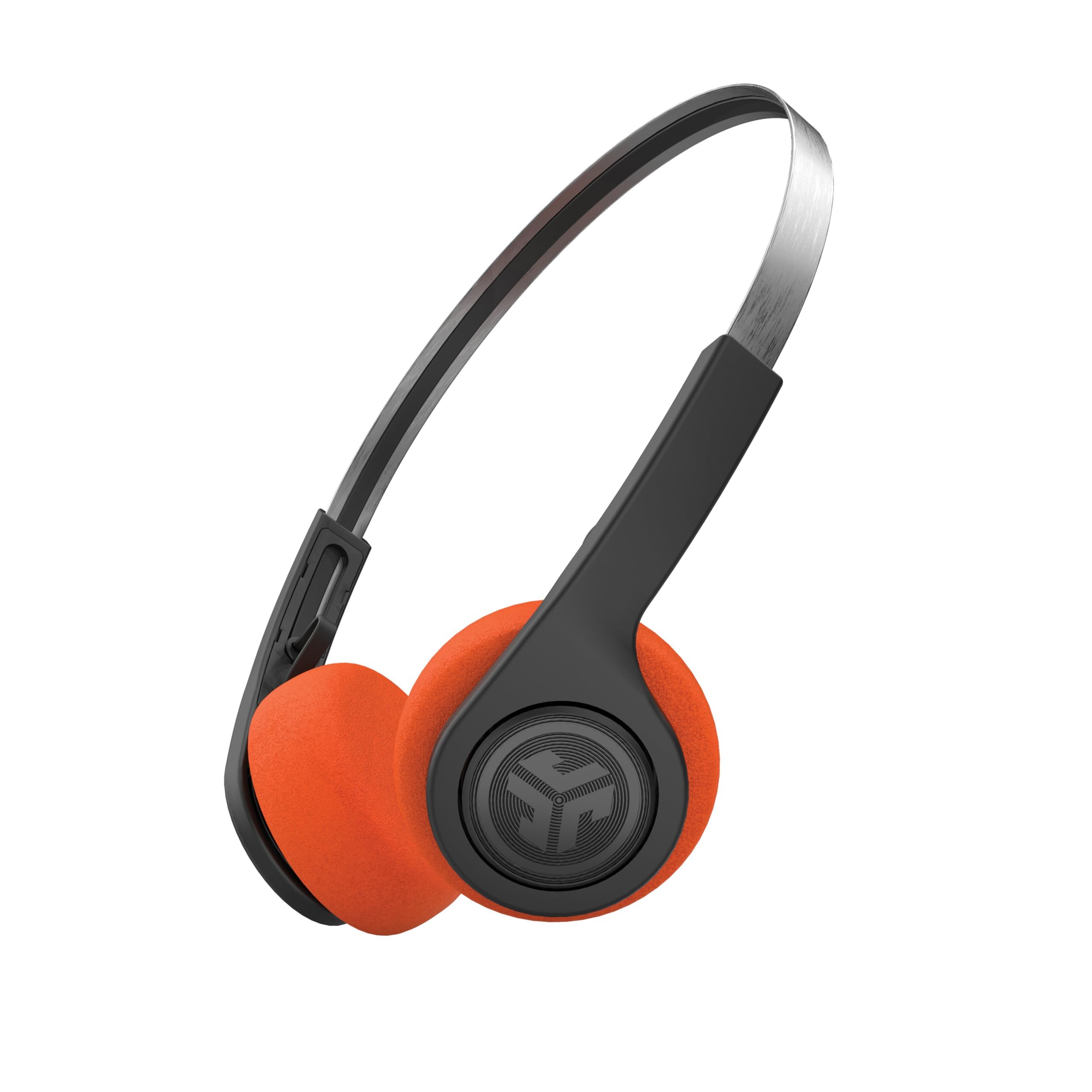
1,000+ ratings
Read Amazon ReviewsJLab Rewind 2 Retro Wireless On-Ear Headphones
Choose Rewind 2 if a retro design and its multipoint listening setup fit your priorities. Choose Go Work for its rotating call boom, wired cable, and longer listed playtime.
- Rewind 2 brings a retro on-ear design, USB-C charging, Bluetooth multipoint, and 20+ hours of playtime.
- Go Work pairs a rotating call boom with an included wired cable and 45+ hours of playtime in its title.
Is Go Work Worth It?
JLab Go Work is worth considering for buyers who want an on-ear work headset that can stay connected to two devices, switch between wireless and wired listening, and put a boom mic and mute controls within easy reach.
Its 45+ hour playtime positioning and rotating microphone make its workday focus clear.
Buy it if dual-device connectivity, on-headset call controls and Work or Music EQ modes fit your routine.
The boom mic rotates out of the way for listening, and the headset offers a full 45+-hour work week on one charge.
Your review at a glance
10,000+ ratings
Read Amazon ReviewsJLab Go Work
A work-focused on-ear headset for buyers who want multipoint connections, a rotating boom mic, and wired listening in one package.
- Bluetooth multipoint connects up to two devices simultaneously.
- Wired listening is available with the included USB-C to 3.5mm AUX cable.
- Get a full 45+-hour work week on one charge.
- Dual microphones are part of the C3 Calling setup.